
Latest: Version 1.0.3 is out!
Task Compass is a decision engine on top of Apple Reminders.
1. Pairwise Prioritization
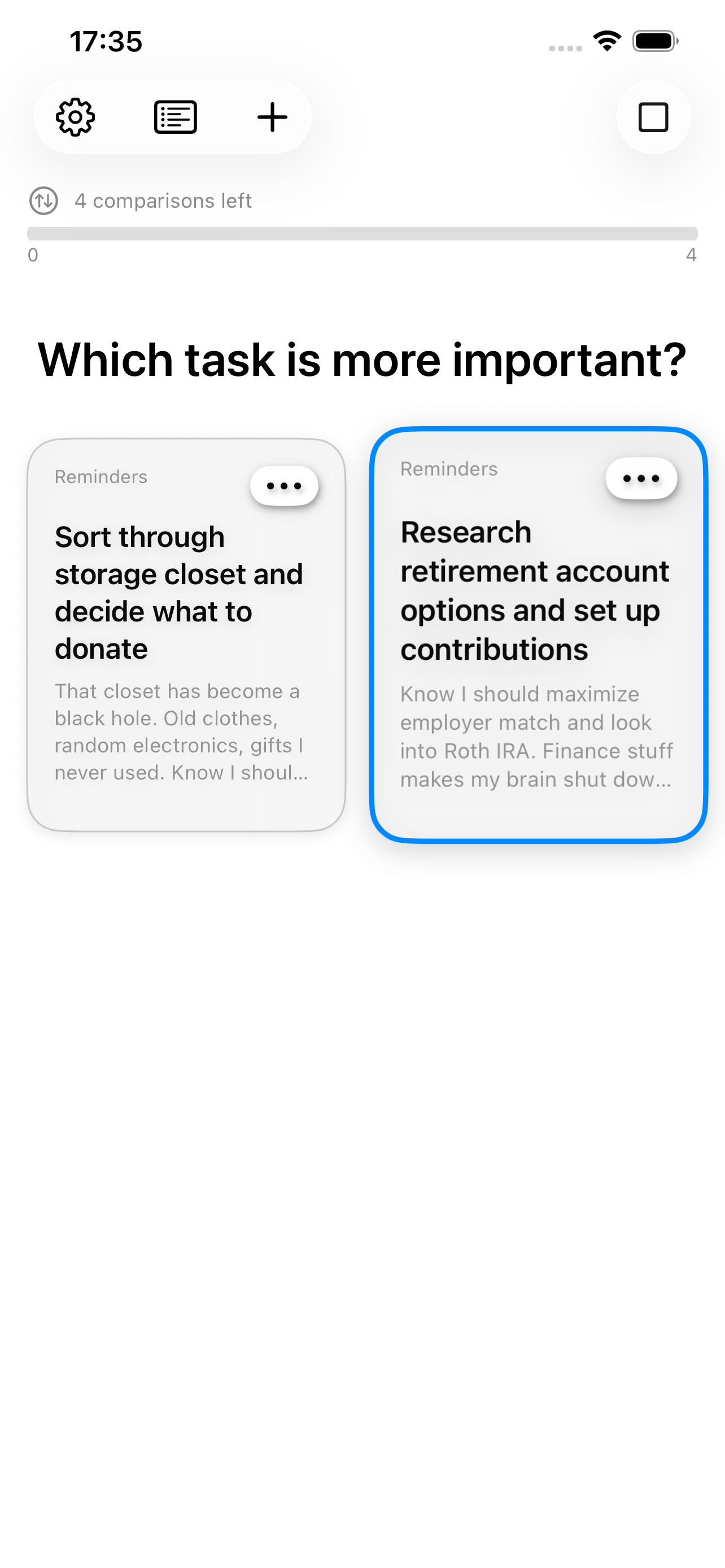
The Comparison View: A vs. B
No more dragging tasks up and down a list. Our brains struggle to rank long lists or to reliably assign absolute priorities. Task Compass uses Pairwise Prioritization to present you with a simple choice: “Which of these two is more important?”
This reduces the mental effort of prioritization by focusing your attention on a binary choice, bypassing the paralysis of the full list.
2. The Anti-List Interface
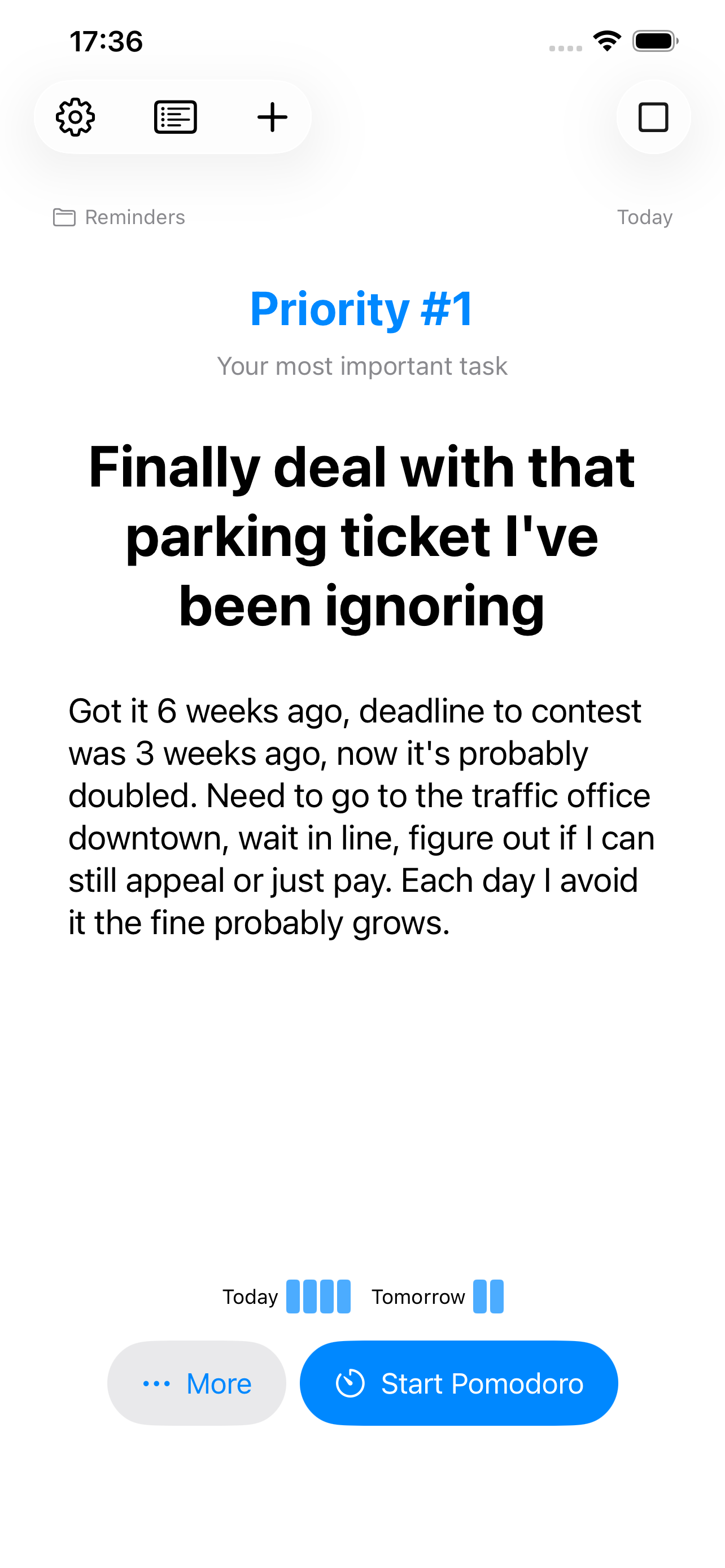
Focus View: The only thing that matters right now
Staring at a mountain of tasks creates anxiety. Task Compass transforms the mountain. Once your tasks are compared against each other, the app shows you only your #1 task.
Your backlog is safe in Apple Reminders. It stays out of sight so you can focus on execution, not management.
3. A Layer, Not a Silo
Task Compass is not a silo. It lives where your tasks already live: Apple Reminders.
- No new accounts to create.
- No data migration.
- Your data stays on your device (optionally synced iCloud).
4. Prioritize across multiple lists
Human minds can prioritize across contexts. You can enable your Home lists together with your hobby projects or work lists, and you’ll naturally discover which area you should focus on first.
This is a paid functionality.
5. Closed Lists
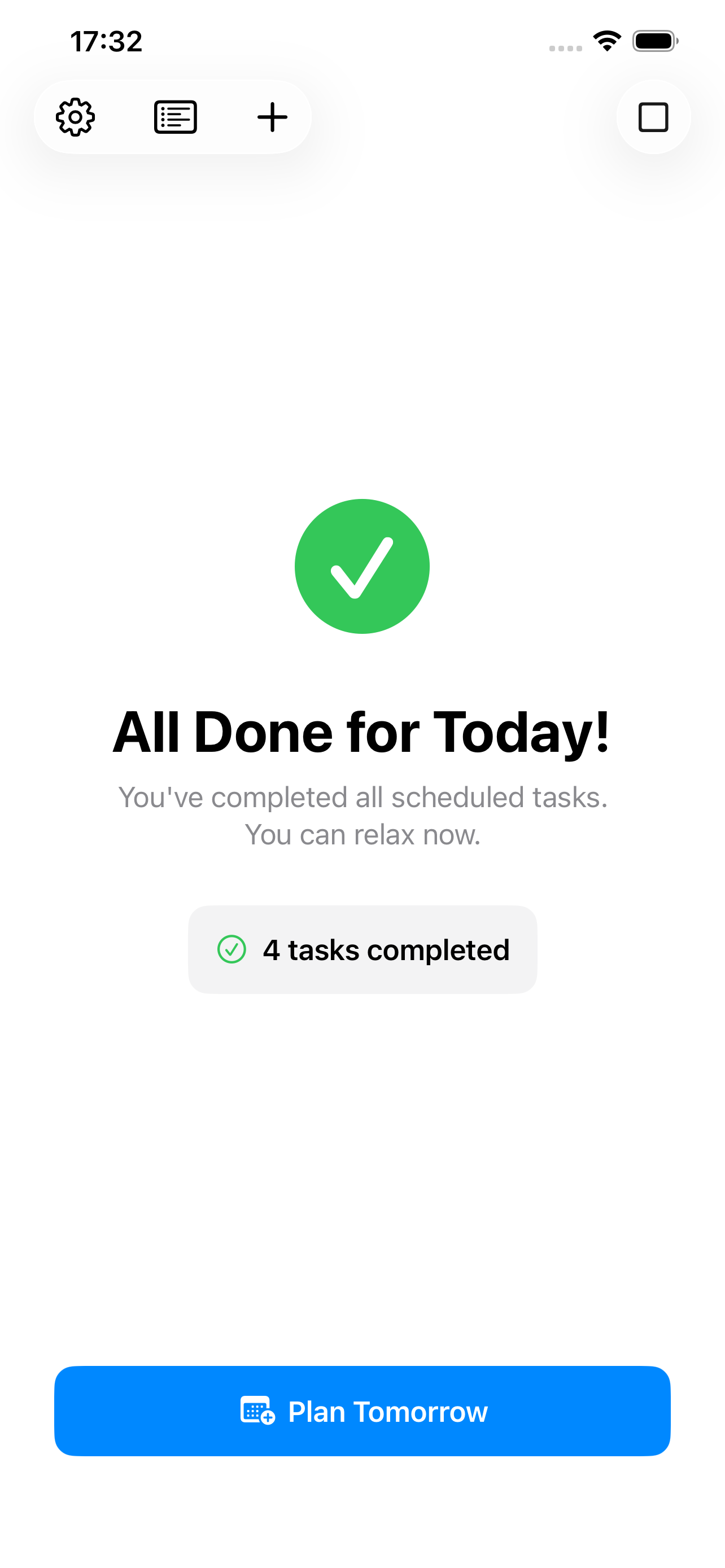
All Done for Today!
Based on Oliver Burkeman’s idea from 4000 weeks.
Schedule your tasks for today and for tomorrow. When you finish your Today list, Task Compass knows it’s enough for today.
This is a paid functionality.
6. Features
| Feature | Free | Subscription |
|---|---|---|
| Pairwise Prioritization | ✅ | ✅ |
| Unlimited number of Reminders | ✅ | ✅ |
| Prioritize across multiple lists | ❌ | ✅ |
| Daily cycle mode | ❌ | ✅ |
For a deeper dive into how we think, read the Manifesto or explore our Concepts.